Participation in the certification procedure
Submitting applications for participation in the procedures is the same for Certification, Auction, Request for Proposals, Request for Prices, and is divided into two parts: creating and editing an application and submitting it for consideration organizer.
Information on an unsubmitted application for participation is not available to the organizer. available.
Creating and submitting an application for participation in certification
Submission of applications is possible for procedures in the status “Accepting applications” and required to obtain certification.To participate in the certification you can submit multiple applications, but the application submitted and not considered is always there must be one.
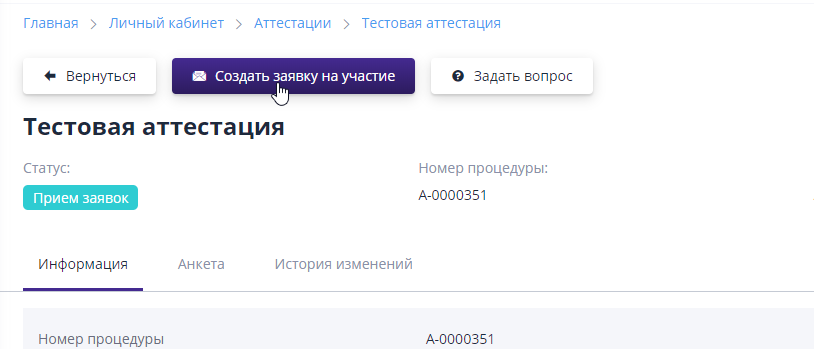
To apply for participation, you must go to the page of interest certification and click the “Create application for participation” button:
Each application consists of a questionnaire, which must be fill in.The questionnaire can consist of different types of questions to which restrictions are imposed, for example, in the fields for entering the TIN it works checking the correctness of the entered data.Also in the questionnaire there may be questions in which you need to indicate the date, upload a file, select the appropriate values:
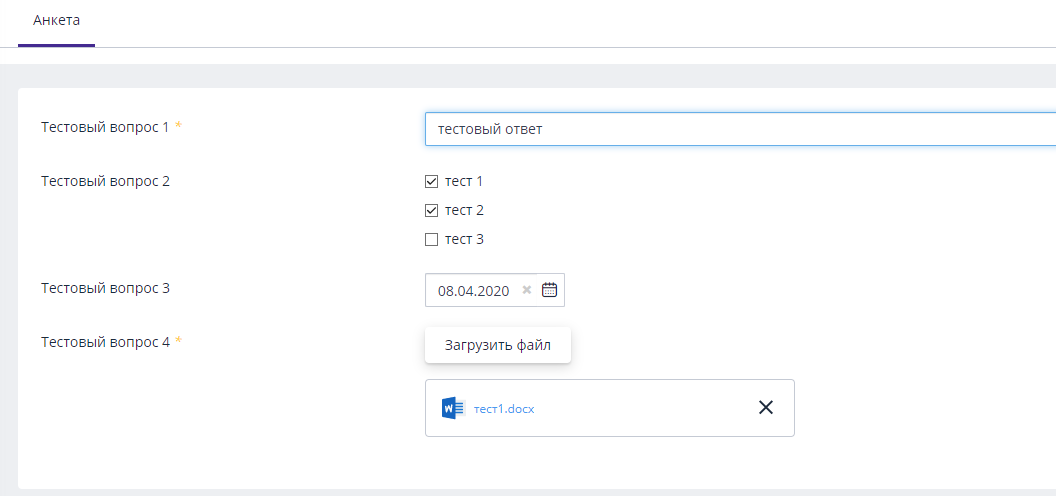
Required questions in the questionnaire are marked with an asterisk.
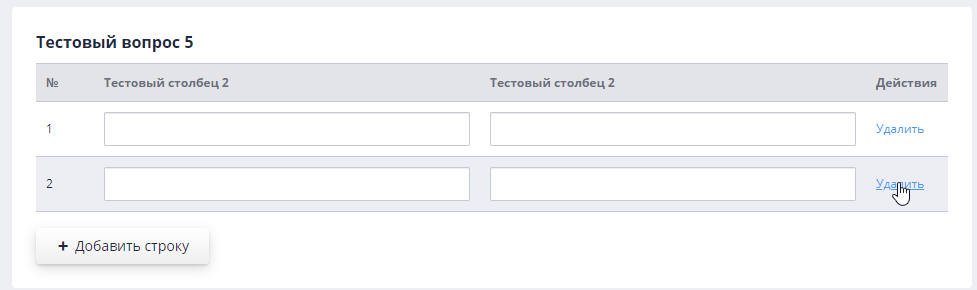
The questionnaire may also contain a question in the form of a table.To fill out the table you need to add a line to it by clicking on the “Add line” button:

You can add any number of rows to the table.In the added lines the user can fill in all the necessary information.If there was If an extra line has been added, you can delete it by clicking the button "Delete":
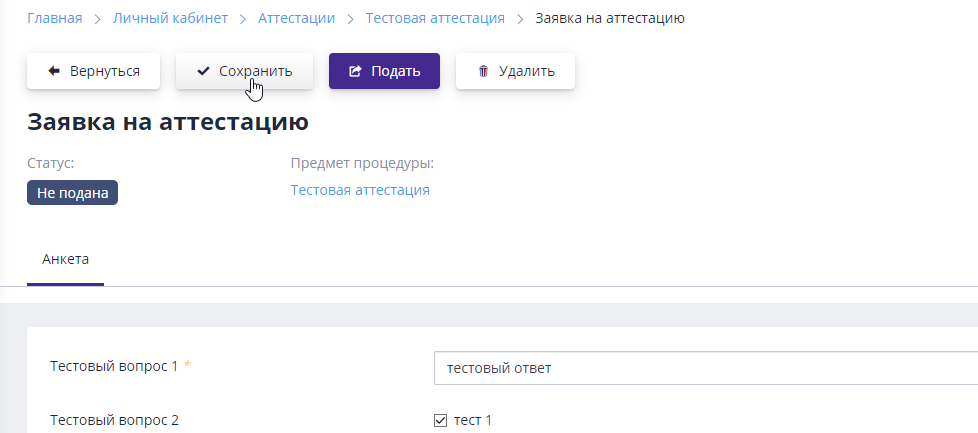
After filling out the information in the form, you must click the button "Save" to save the entered data:
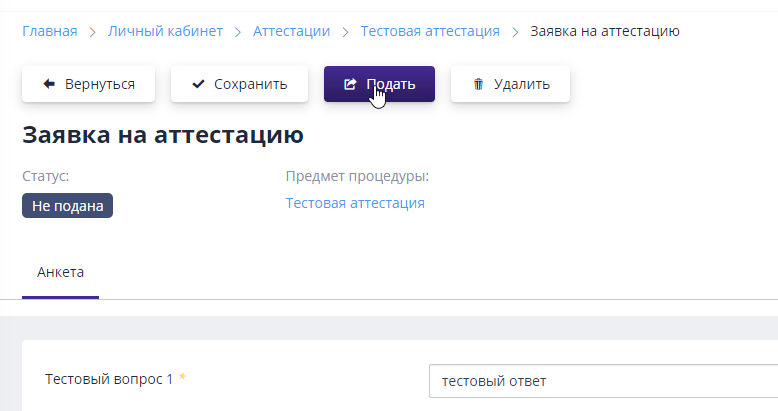
After the participant has filled out all the required information in the application form, he can submit it by clicking on the appropriate button:
Next, you need to confirm the operation performed by clicking on the button "Confirm":

The application will change to the “Submitted” status and will become available for viewing and making a decision to the organizer.
Section “Applications for certification”
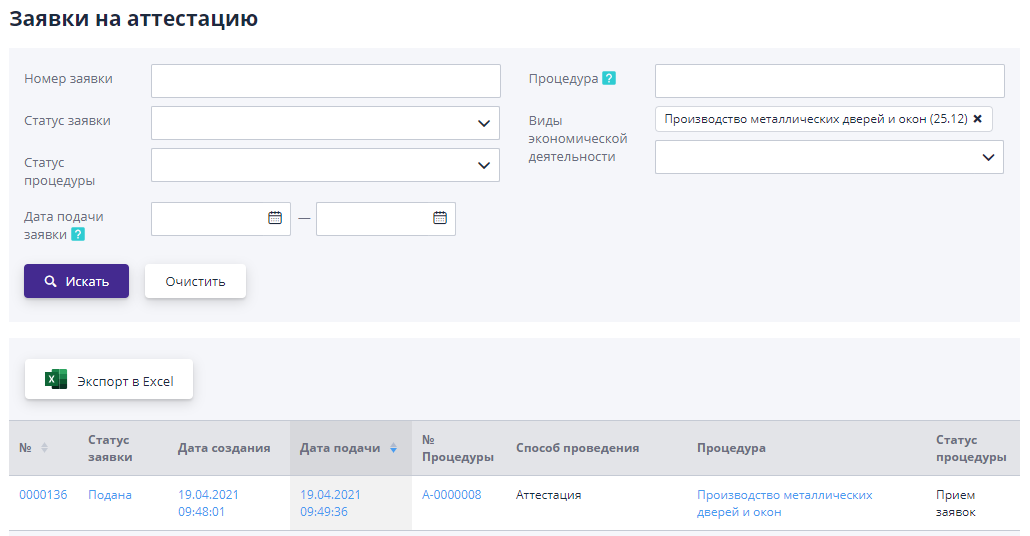
This section displays a list of all previously created applications for participation in certifications from your organization.To go to the page viewing applications, you must follow the link “Applications for certification” in "Personal Account" menu.

You can search for applications for certification by part or full name
procedure, procedure status, application status, and also by interval
time when the application was submitted: